How to Get a Free Steam Gift Card
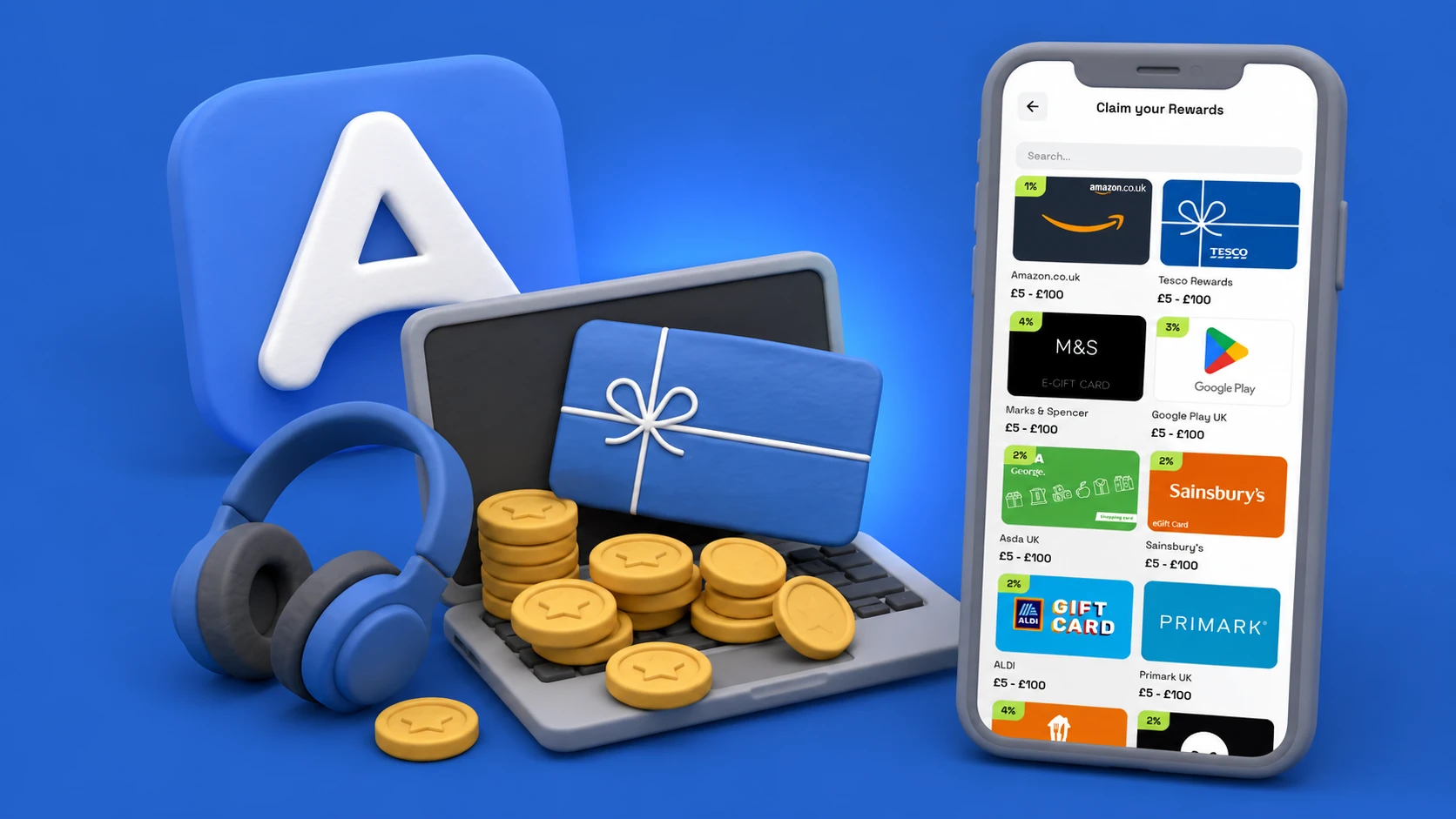
A free Steam gift card is the most useful gaming payout for PC players — Steam Wallet balance covers every game in the Steam store, DLC, in-game purchases that go through Steam, and seasonal sale impulse buys at 80% off. It comes down to three things: answer surveys, complete Survey Missions for the bonus, and once you cross $5 you can pick the Steam card from the rewards catalog if it's stocked in your region. Start in your browser at airperks.app, or download the app to earn on the go.
Real talk: this is spare-time money for your gaming budget. Here's how it works.
How to get a free Steam gift card with AirPerks
- Sign up at airperks.app or via the mobile app. The starter survey unlocks your first $0.50.
- Answer surveys and complete Survey Missions. Surveys pay per completion. Missions pay extra on top when you hit the target count.
- Stack the bonuses. Fragments at Level 6, Bonus Day at Level 11.
- Hit $5. Standard threshold; $3 at higher Levels.
- Open the Payouts tab and pick Steam. Tap the card, choose a denomination ($5, $10, $20, $50, $100), and swipe to confirm. If the Steam card shows a cashback badge, a slice returns to your AirPerks balance.
- Add to Steam Wallet. The code arrives via link and email. On Steam: click your username → Account Details → Add funds to your Steam Wallet → Redeem a Steam Gift Card or Wallet Code. The balance lands in your Steam Wallet immediately.
What Steam Wallet balance covers
- Any game or DLC in the Steam store — new releases, indie games, AAA titles, expansion packs.
- In-game purchases — any in-game content sold through Steam (not all games route in-game purchases through Steam, but many do, including items in CS2, Dota 2, and Team Fortress 2).
- Steam hardware and accessories — Steam Deck and accessories sold on the Steam store.
- Software on Steam — productivity software and creative tools sold alongside games.
- Pre-purchase games — lock in a price before launch using Wallet balance.
What it doesn't cover: non-Steam platforms (Epic Games, GOG), hardware from third-party retailers, and some region-exclusive content.
How long it takes
- First $0.50 — within minutes of signup.
- $5 Steam card (an indie game or a medium DLC) — one survey session.
- $20 card (a solid mid-tier game) — a few weeks of casual activity.
- $50 card — a multi-week savings goal; seasonal Steam sales make $50 stretch to 10+ games.
Some AirPerks users have earned over $1,000. That's real but not typical.
Other ways to get free Steam credit
- Steam sales. Not free credit, but 80% off is close enough. Wishlist games and wait for the seasonal sale.
- Microsoft Rewards on PC. Points from Bing searches convert to gift cards including Steam.
- Other survey apps (AttaPoll, Eureka, etc.) — Real working apps that may offer Steam gift cards or cash you can convert.
Frequently asked questions
Do Steam gift cards expire? Steam gift cards don't expire. Once the balance is in your Steam Wallet, it stays there.
Can I use a Steam gift card to send a game as a gift? Indirectly — use Steam Wallet balance to purchase a game and send it as a gift at checkout.
What's the smallest Steam card I can redeem? $5 — the standard AirPerks threshold.
Does the Steam Wallet accept multiple gift card codes? Yes — you can redeem as many codes as you like and the balance accumulates.
How fast does the code arrive? Typically within minutes. Look in your spam folder first if it doesn't show up.
What if the code doesn't work? Reach out via in-app chat. Failed deliveries refund the balance back to your AirPerks account on their own.
Start earning your Steam gift card
- In your browser: airperks.app →
- On your phone: download the AirPerks app →
Earnings vary based on user activity, demographic profile, and survey availability in your region. Top user earnings of $1,000+ are real but not typical.