How to Make Money Downloading Apps
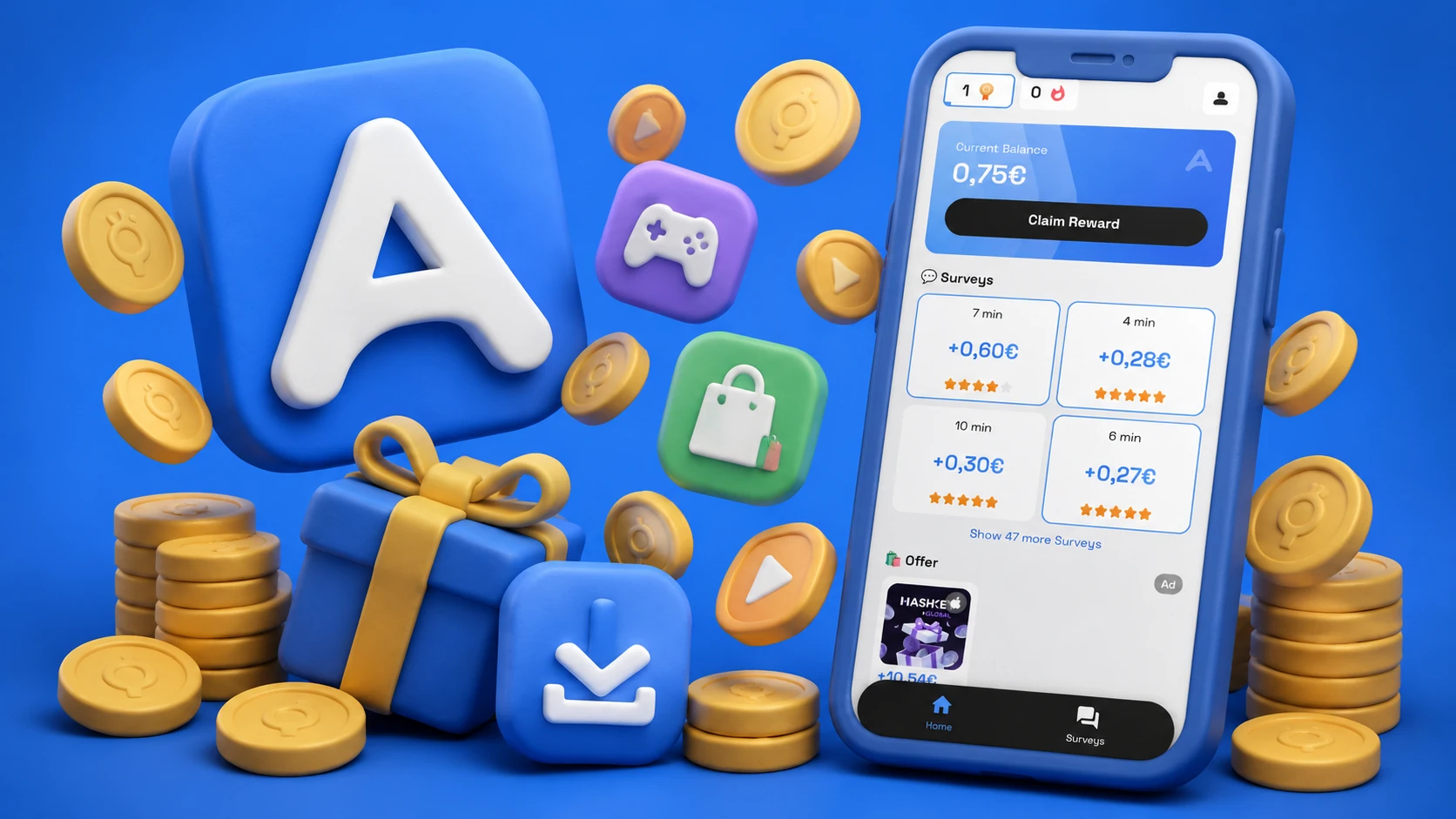
Making money by downloading apps is real — the "download and try" model is called cost-per-install (CPI) advertising, and some of that budget flows to users through reward platforms. The catch is that you're usually not paid just for downloading. Most offers require you to reach a milestone: level 20 in a game, make a first purchase, use the app for 7 days, or connect a bank account. This post covers what actually pays and what to watch out for. Start exploring offers at airperks.app, or download the app to see current offers on mobile.
Here's how it works.
How "get paid to download apps" actually works
App developers pay marketing platforms for new installs that meet a quality threshold — not just a tap. The quality check might be:
- Reaching a game milestone — "Download Game X and reach Level 20" (takes hours of play)
- Completing a sign-up — "Download App Y and create an account"
- Making a first transaction — "Download App Z and make a purchase of $1+"
- Using the app for N days — "Install and stay active for 7 days"
The reward only credits when the milestone is verified. If you download and immediately delete, you typically earn nothing.
Rewarded Gaming on AirPerks
AirPerks has a category called Rewarded Gaming — partner games that pay you for reaching specific milestones. Open the dedicated Gaming tab in AirPerks to browse current offers. Each offer shows:
- The game name
- The required milestone (e.g., "reach Town Hall 12" or "collect your first coin")
- The reward amount
- An estimated time to complete
To participate:
- Sign up at airperks.app or via the mobile app.
- Open the Gaming tab. Browse available Rewarded Gaming offers.
- Tap an offer to install. Make sure to install through the AirPerks link — installing the game separately and then trying to claim the reward won't work.
- Reach the required milestone.
- Collect your reward. It credits to your AirPerks balance. Redeem via the Payouts tab for PayPal, bank transfer, gift cards, or Visa prepaid.
Rewarded Gaming offers are separate from surveys. You can do both.
Rewarded Offers — apps beyond games
AirPerks also has Rewarded Offers — non-gaming apps and services with install or sign-up rewards. These often pay more per offer than gaming milestones:
- Financial apps (new account signup bonuses)
- Shopping apps (first purchase rewards)
- Subscription services (free trial starts)
- Utility apps (account creation + basic use)
Each offer specifies what's required. The rewards often credit within hours to days after verification.
Other platforms that pay for app downloads
Mistplay (Android only). A dedicated "play games for rewards" app. Earn units by playing partner games, redeem for gift cards (Amazon, Google Play, etc.). Well-established in the US market.
InboxDollars. Survey platform that also includes "try new apps" offers alongside surveys. Pays in cash. Minimum cashout $30.
AppKarma. Points for downloading and using apps. Redeem for gift cards. Lower reward amounts than gaming-milestone apps but lower barrier per offer.
Google Opinion Rewards (Android). Google pays in Play Store credit for short surveys triggered by real-world activities. Not app downloads, but connected to Google's app ecosystem.
What to watch out for
- Offers that require in-app purchases. Some offers credit only after you spend money in the app. Calculate whether the reward exceeds the required spend.
- Multiple installs for the same game. You can't earn the same Rewarded Gaming offer twice. Once you've played a partner game and collected the reward, that offer is done.
- Installing outside the AirPerks link. If you already have the game installed, the offer tracking won't work — the link is how AirPerks knows you came from their platform.
- Offers that require long-term retention. "Stay active for 30 days" offers may require you to keep an app installed and opened regularly. Easy to forget.
How long it takes to earn
- Simple sign-up offers — minutes to complete, hours to credit.
- Game milestone offers — minutes to days of actual play depending on the milestone.
- Surveys + offers combined — $5 in one session is realistic with a simple sign-up offer.
Earnings vary by region, available offers, and how many offers you complete.
Frequently asked questions
Can I delete the app after completing the offer? Once the milestone is verified and the reward credits, yes. For offers requiring X days of activity, wait until the reward appears in your AirPerks balance before uninstalling.
Do I need to spend money to earn from app offers? Some offers require a purchase; many don't. Read each offer's requirements before starting. Free sign-up offers are available alongside purchase-required ones.
Will the reward credit automatically? Usually yes — once the milestone is verified by the offer platform, it credits to your AirPerks balance. If it doesn't appear within the expected window, open in-app chat.
Is AirPerks free to join? Yes — no credit card, no fee.
Start earning with AirPerks
- In your browser: airperks.app →
- On your phone: download the AirPerks app →
Earnings vary based on user activity, demographic profile, and survey availability in your region. Top user earnings of $1,000+ are real but not typical.